I wanted the speed and multiline editor capabilities of Warp, the keybindings of Helix, and the freedom of open source—all inside my existing terminal.
Meet Hash (Harness Assisted SHell). It’s a Go-based shell designed for editor-style navigation with agent-agnostic AI built in. In true 2026 fashion, this is a heavily vibe-coded project with Claude doing most of the heavy lifting.
The Magic Syntax: ??
The ?? operator is the heart of Hash. Drop it anywhere in a command:
# Ask: generate a full command from a description
?? how do I tar a folder
# → tar -czvf archive.tar.gz folder/

# Pipe: analyze output with the agent
cat logs.json | ?? find errors
# → Parses and summarizes errors from the output

# Fill: the agent fills just that argument
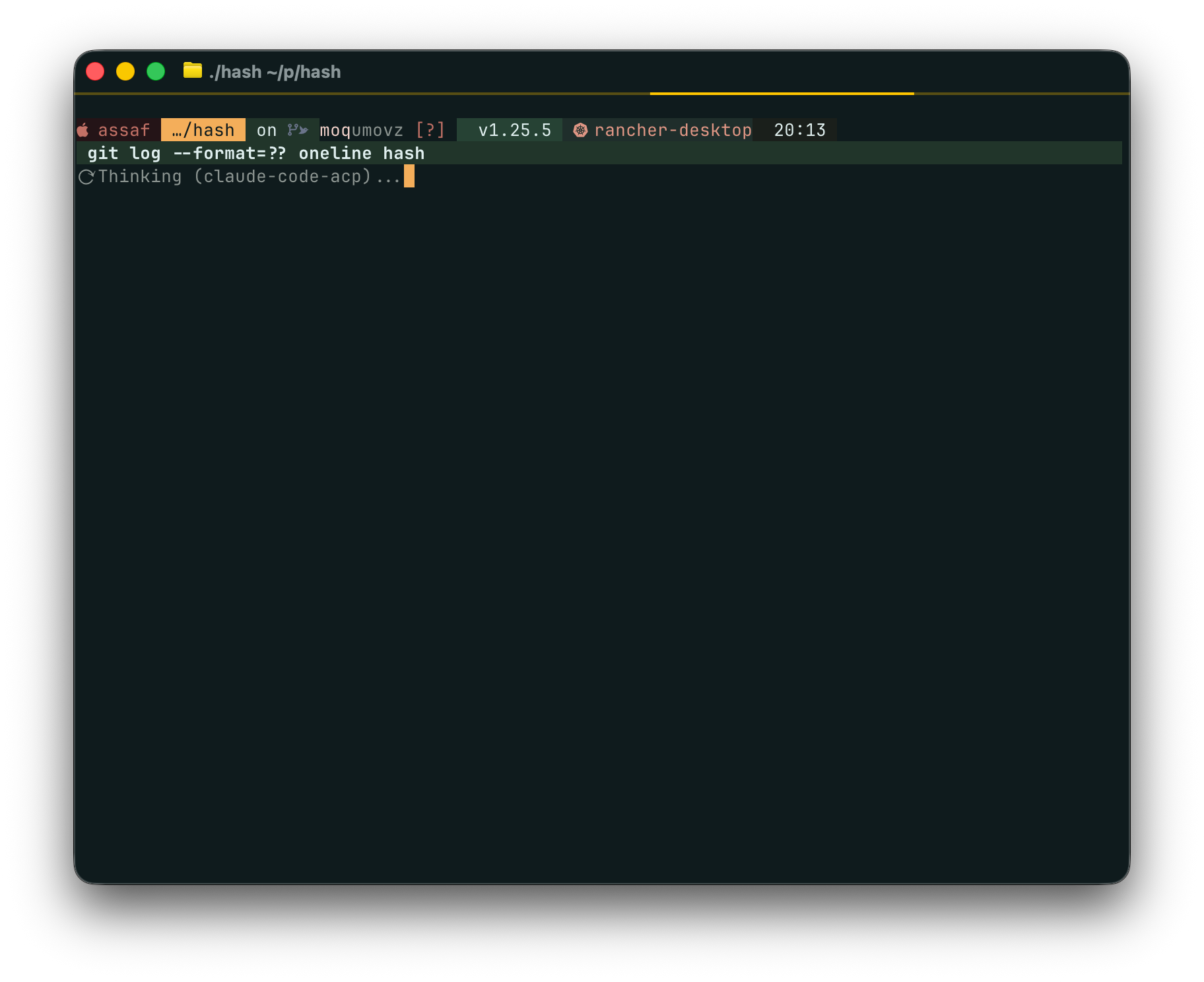
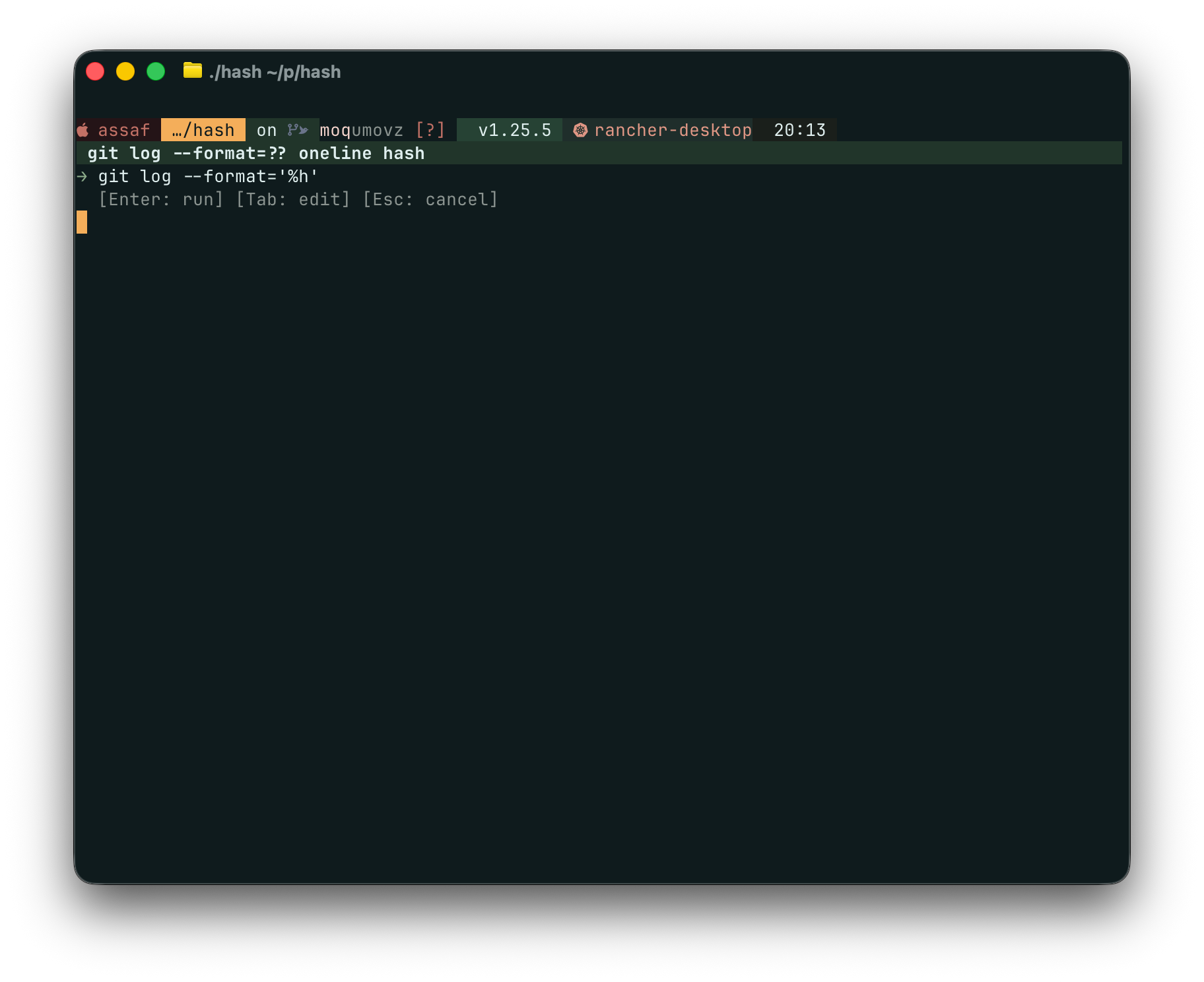
git log --format=?? oneline with hash
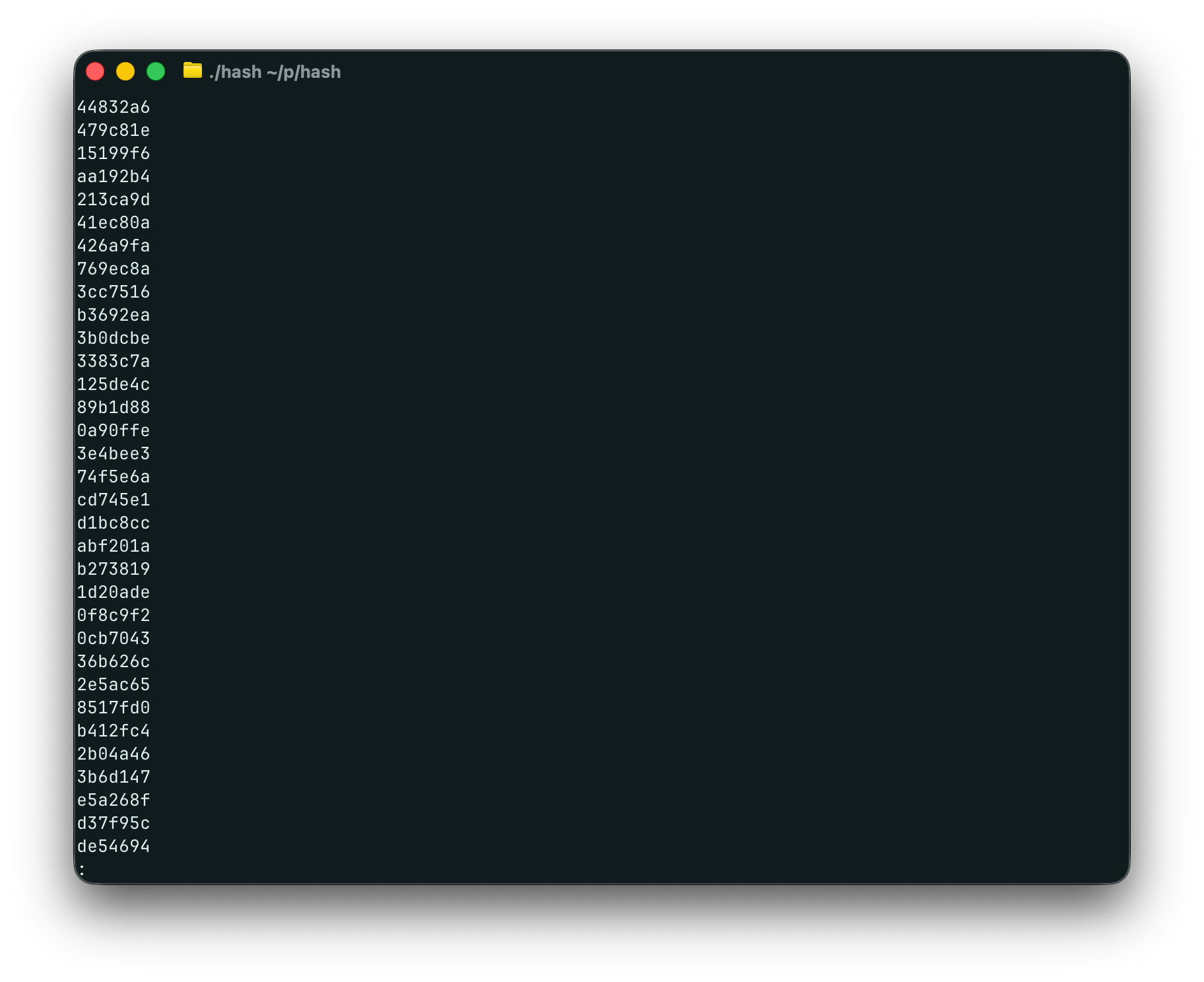
# → git log --format="%h %s"
No mode switching. No special commands. Just drop ?? where you need help.
Why Build This?
Warp taught me that terminals don’t have to be dumb text streams. I loved the blocks and the speed, but I missed the hackability. I wanted something I could extend, run in Ghostty, and shape to my own preferences—without vendor lock-in.
In the age of Claude and friends, writing a shell is no longer out of reach. So I built Hash to keep the best parts of the “modern terminal” experience while staying open and hackable. Plus, I wanted a pet project for a weekend, but later fell in love with the idea.
Features
This is very much a proof of concept. Here’s what I’m building toward:
Agent Integration
- Adaptive learning — Learns from your error fixes and suggests them automatically (e.g.,
chmod +xafter “Permission denied”) - Context picker —
Ctrl+Eopens a TUI to select exactly what context goes to the agent - Intelligent latency — Hash prioritizes speed. It checks your filesystem instantly, then tool-native completions, and only calls the agent when necessary. You never wait for AI unless you need to.
Editor and History
- Editor-style input — Multiline editing with Helix keybindings, visual selection
- Rich history — SQLite with FTS5 search, sudo tracking, agent interaction recall (
history asked "docker") - Clipboard integration —
Alt+Cto copy command,Alt+Oto copy output
Plays Nice With Others
- Starship compatible — Works with your existing prompt config
- Configurable builtins — Disable
cdto use zoxide, etc.
What’s not there yet:
- Stability. There will be bugs. Lots of them.
- Speed. Built for responsiveness, not raw throughput. All the cool kids cook with Rust or Zig - I’m not looking to learn a new language at the moment.
- Broad appeal. This is aimed at my own preferences, not everyone’s.
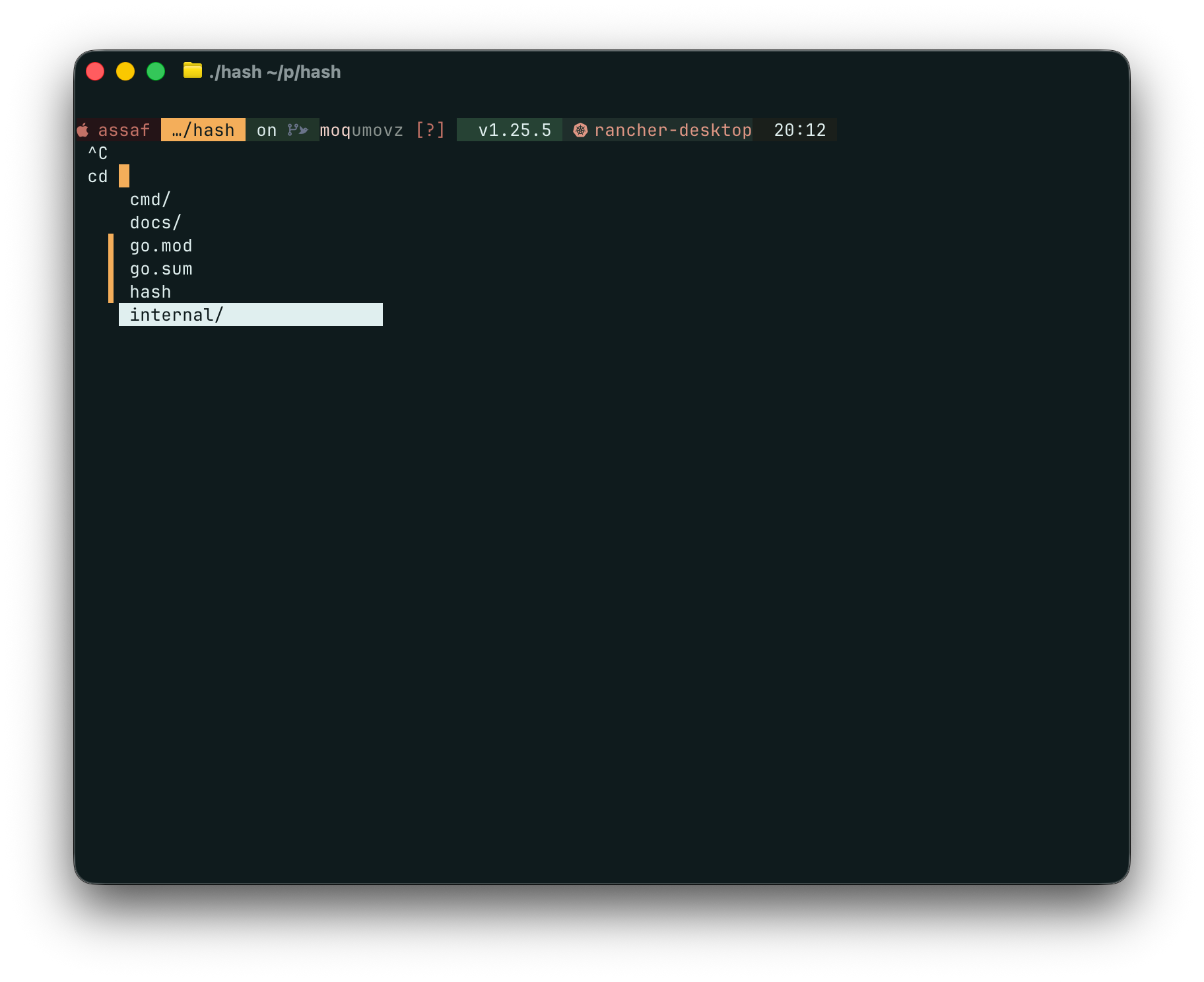
Screenshots
Try It Out
Hash is open source and available on GitHub. It’s early days, so expect rough edges. But if you’ve ever wished Warp’s UX worked in your existing setup, this might be worth a look.
Contributions welcome. File issues for anything broken (there will be things).